TheBearList
Start with one clear experience
Write a title that names the actual activity and location. Use the description to explain who it suits, what happens during the outing, what is included and where guests meet you. Answer the questions your team receives before every booking. Specific information helps a visitor choose more than a string of promotional adjectives.
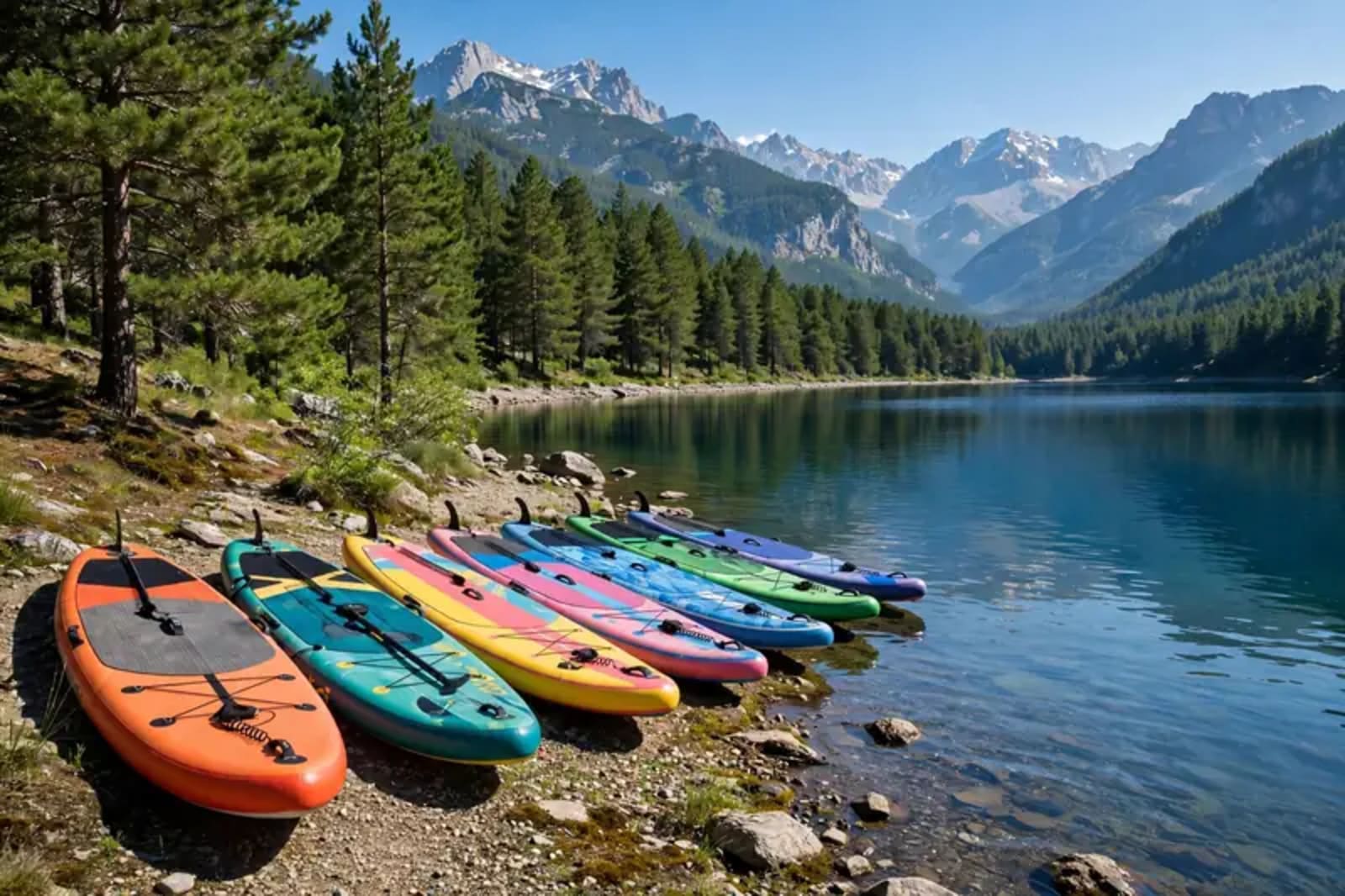
Use photographs of your own experience that you have permission to publish. Show the equipment, meeting place and what guests actually do. Choose a cover image that remains understandable on a small phone screen.
Make the price and availability usable
Say whether the price is per person or per group, and describe what the guest receives. Avoid making the visitor work out the price from several disconnected descriptions. Keep your listing, website and confirmation instructions consistent.
Publish only times and capacity you can fulfill. If your team changes its schedule, update availability before more guests choose the old time. Explain weather and cancellation rules before checkout, especially for lake and winter activities.
Keep business information accurate
If your business is eligible for a Google Business Profile, maintain accurate contact details, category and hours, including holiday changes. Google’s local-ranking guidance emphasizes complete information, relevance, distance and prominence. A marketplace listing complements your own presence; it does not guarantee a search position.
Invite genuine customer feedback and reply constructively. Google prohibits incentives in exchange for reviews. Do not offer discounts for a positive rating or manufacture reviews to make a new listing look established.
A simple way to join TheBearList
- Create your free account: business name, email, contact phone and password. No bank or card details are requested on this form.
- Verify your email and add the experience: provide your photos, price, location, duration and cancellation policy. You can save a draft and return.
- Review and publish: review the saved price and commission agreement before accepting. Complete Stripe’s hosted onboarding and add availability before taking activity bookings.
There is no listing fee or monthly subscription. The approved commission is 25% for activities. The standard stay rate is 15%. Eligible stays use host confirmation before checkout, and an agreed partner rate may apply. Read the business overview and payment policy for payout timing, refunds and responsibilities.
Improve from real questions and bookings
After publishing, review where guests hesitate and which questions repeat. Improve unclear instructions, replace weak photos and keep times current. Start with the experience you can deliver reliably, then add more as your operation is ready. Clear listings and good service are continuing work.
Create a free business account to prepare your first listing.
Create your business account →Sources and planning updates
Official references checked November 6, 2026. Hours, access, rules and prices can change; use the operator or agency for your travel date. This guide is editorial planning information, not a report of a personally tested trip.
- Google’s guidance on accurate business information and local ranking
- Google’s guidance on genuine customer reviews
Found an error? Tell our editorial team.
Frequently asked questions
What do I need to create an account?
Your business name, email, contact phone and a password of at least 12 characters. Photos, prices and the listing agreement come afterward.
When can my business take bookings?
Verify your email, publish a complete listing by accepting its agreement, complete Stripe onboarding and add availability. Activity checkout also requires the provider account to be ready. For eligible cabins, the host reserves the dates before guest checkout.